






How to remove a FiveM server Ban!
Published Aug 25, 2026
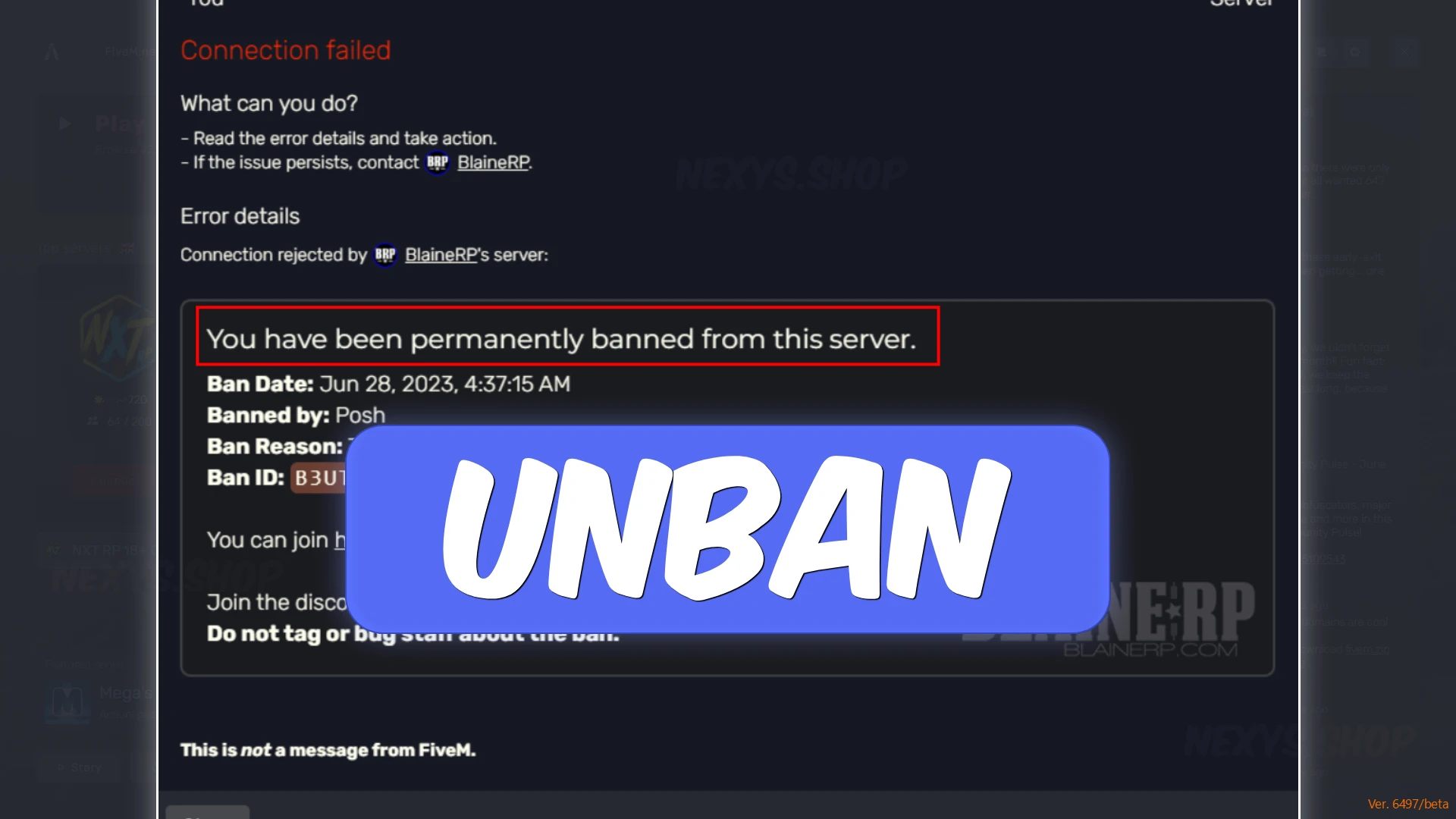
Learn how to remove a FiveM server ban step-by-step using complete account unlinking, local data clearing, and identity reset solutions like the HENZO Permanent Spoofer or Ambani FiveM software.
How to Remove & Bypass a FiveM Server Ban: The Complete Guide
Getting hit with a ban on FiveM—whether from an automated anti-cheat system like FiveGuard, custom server scripts, or a direct admin ban—can immediately halt your roleplay experience. Once your identifiers are flagged, simply switching your Rockstar account or changing your Discord profile often isn't enough to get back into your favorite servers.
To cleanly bypass a FiveM ban and return to playing, you need to understand how FiveM tracks your system and choose the right hardware privacy tool for your setup.
Understanding How FiveM Identifies You
When a server or anti-cheat issues a ban, it attaches a unique flag to multiple identity vectors on your computer:
- Digital Identifiers: Steam ID, Discord ID, FiveM/Cfx.re profile, and Rockstar Games Social Club account.
- IP Address: Network identifiers assigned by your ISP.
- Hardware Serials (HWID): Deep low-level hardware serials tied to your motherboard, MAC address, drive volumes, and system component IDs.
To bypass a server ban effectively, you must decouple your system from those flagged identifiers. Depending on your goals and budget, there are two primary methods to restore clean access.
Solution 1: The Permanent Reset (Best for Complete Identity Cleansing)
If you are facing a severe hardware-level ban or want absolute permanence without needing to launch a resident background app every time you reboot, a permanent BIOS-level hardware flash is the ultimate solution.
Recommended Tool: HENZO Permanent Spoofer
The HENZO Permanent Spoofer is designed for users who want total authority over their PC’s digital footprint. Unlike surface-level temporary spoofers, HENZO permanently overwrites underlying low-level serials at the motherboard and drive level via deep flash operations.
- Permanent Serial Overwrite: Modifies motherboard and drive serials directly—your new identity remains intact even through hard reboots and system updates.
- Full Compatibility: Supports all major custom motherboard vendors (ASUS, Gigabyte, MSI, ASRock, Aorus, EVGA) as well as OEM systems (Lenovo, Acer, Dell).
- Tournament & Clean Deployment Ready: Works alongside a fresh Windows reinstallation and fresh account setup to ensure zero cross-contamination with old banned profiles.
👉 Get permanent hardware reset access: Buy HENZO Permanent Spoofer on Nexys
Solution 2: The Temporary Protection + Server Dominance Package
If you prefer a quick, budget-friendly option that combines temporary hardware identifier protection with full in-game utility and visual overlays, an integrated internal solution is the ideal path.
Recommended Tool: Ambani FiveM Software
The Ambani FiveM Software is an affordable, feature-rich internal utility featuring over 100+ built-in options designed to give you complete control over your local server environment.
Crucially, every Ambani license includes a FREE Bonus Multi-Game Profile Protection Suite, giving you access to a temporary hardware identifier privacy protector to keep your system footprint clean while playing.
- Included Temp HWID Protection: Includes a built-in temporary hardware identifier protector to shield your real serials while active.
- 100+ Feature Arsenal: Includes Target Alignment assistance, Silent Cursor Calibration, Collision Bypass, and Super-speed.
- Visual Overlays (ESP): Track player models, vehicles, and items through any obstacle using Skeleton, Box, and Name overlays.
- Custom Environment Spawner: Instant access to local vehicle and item libraries.
👉 Get total server authority and temporary protection: Buy Ambani FiveM Software on Nexys
Step-by-Step Checklist for Returning to FiveM
To ensure your ban removal process is 100% successful, follow this clean setup workflow:
- Unlink Old Profiles: Log out of all old FiveM, Discord, Steam, and Rockstar accounts associated with the ban.
- Clean Your System trace: Clear your FiveM application data (
%localappdata%\DigitalEntitlementsand%appdata%\CitizenFX). - Apply Your Hardware Solution:
- For Permanent Cleansing: Execute your HENZO Permanent Spoofer setup following the BIOS flashing instructions.
- For Temporary Cleansing: Run your Ambani FiveM Software protection suite prior to launching the client.
- Initialize Fresh Accounts: Log into fresh, unbanned Rockstar, Steam, and Discord profiles (and a new clean account identity).
- Connect & Play: Launch FiveM and join your target server with a completely unlinked digital footprint.
Why Get Your Tools From Nexys?
When resolving system flags, tool authenticity and delivery speed matter. Nexys bridges the gap between elite development teams and players looking for reliable tools:
- ✅ 100% Official & Verified Keys: All licenses are sourced directly through official partner programs.
- ✅ 24/7 Automated Instant Delivery: Receive your software access keys and setup guides seconds after purchase.
- ✅ Unmatched Price-to-Performance: Verified tools tested for maximum system stability across Windows 10 and 11.

your first order
One click and it's yours. Unlock your exclusive first-order coupon code below.
Hey there!
How can we help you today?
Help center
Article
How delivery works
Where your keys, accounts and links appear after payment.
Almost everything in the store is delivered automatically the moment payment confirms. The delivery appears on the invoice/order page and is sent to the email you entered at checkout.
Re-open a delivery
Sign in with the same email you used at checkout
Open Dashboard -> Orders
Open the order to see the delivered keys, accounts, links or files again
When delivery is not instant
A specific product requires manual fulfillment for security reasons or product related reasons.
Article
My payment was declined
What to try next.
Declines are usually from the card issuer, not us.
Double check the card details and it's available balance, address and name
Try a different payment method
Contact us if the issue continues and we will help you complete the order
Article
How to contact us
The fastest ways to reach the team.
Open a ticket from your customer dashboard for order-specific help, or join our Discord for general questions. We aim to reply within a few minutes.
Article
Is checkout secure?
How your payment information is protected.
All payments are processed through secure, encrypted checkout providers.
Card details are handled directly by the payment processor, not stored on our side
You will always see a padlock/https before entering payment details
Article
Refunds and warranty
What's covered if something goes wrong.
Reach out through a support ticket or Discord with your order details.
Warranty issues are reviewed case by case
Replacements or refunds are issued once the issue is confirmed
Article
Available Payment methods
How can you pay on our website.
We accept various of payment methods, which are
All major cryptocurrencies
Credit / Debit Cards
Apple / Google Pay
Gift cards (giftmecrypto)
Discord only payment methods;
Purchase a service by contacting us:
PayPal (F&F)
Paysafecard ($/€)